Newsletter: September 2025
In our latest release, Areté introduces Deploy Dock Scheduling, a sophisticated planning addition with many features that enable better Planner control of shipments. This new module addition allows Planners to build color-coded Dock Calendars for scheduling loads in docks, and features an interactive shipment visualizer enhancement that displays truck Center of Gravity for optimal load footprint arrangements.
Also in this release, we have added a new Single Sign On method that is compatible with ADFS OIDC. AFDS SSO was added to ensure compatibility with legacy security architectures so that clients can further integrate with standard Avail11 and Prevail11 security features.
Improved Deployment Capabilities with Deploy Dock Scheduling
A new truck scheduling enhancement enables your ability to develop and customize a docking schedule for trucks or deployment containers. An efficient truck loading dock arrangement is crucial to ensuring that the goods are transported in the most fuel and cost efficient manner.
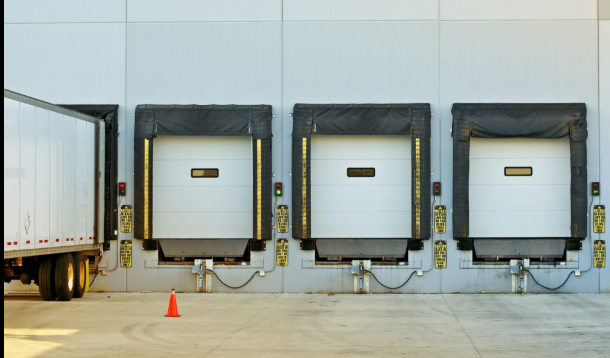
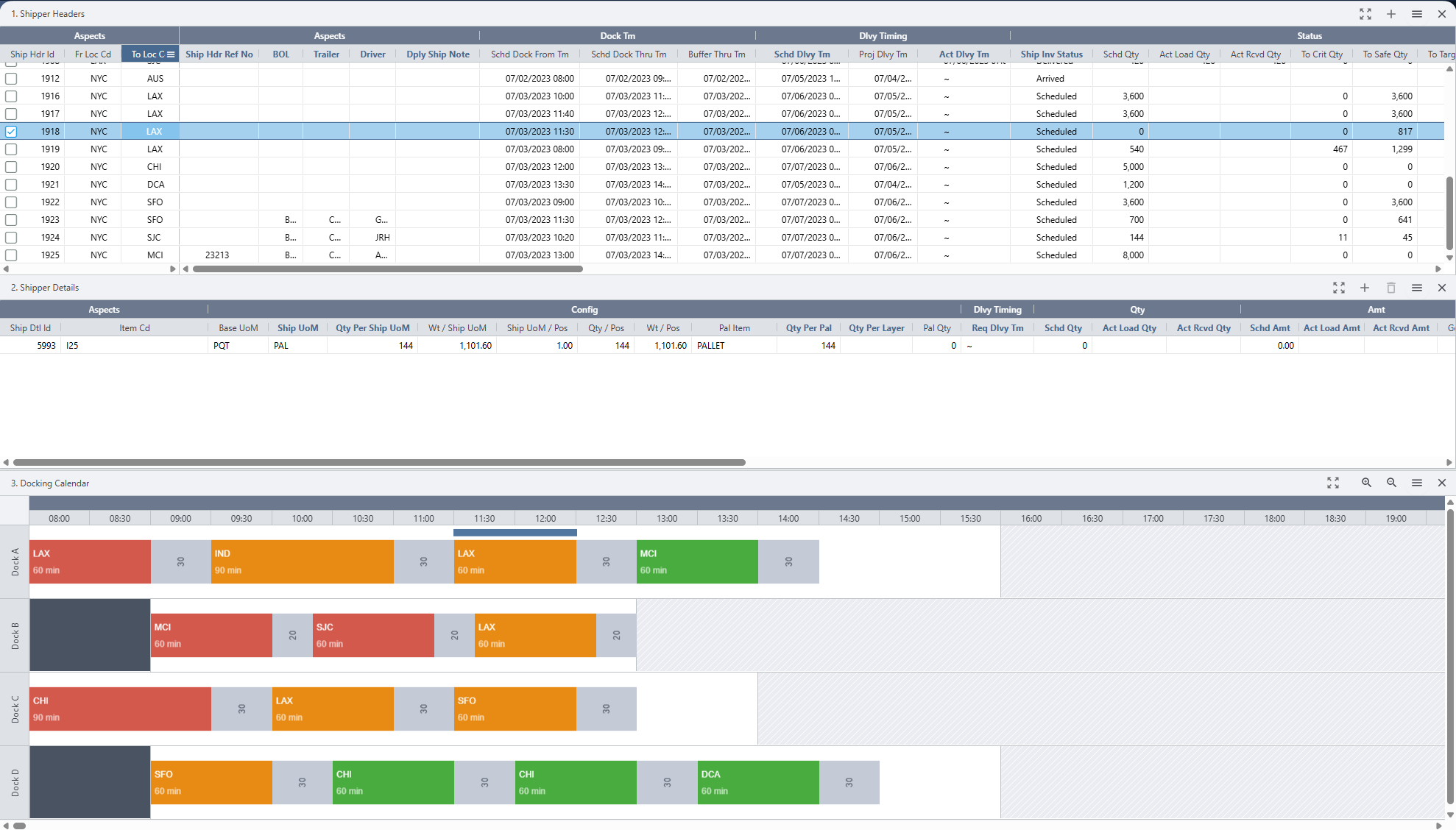
Docking is the process of assigning live shipments to available docks. The general workflow starts with a Planner generating and editing shipment headers. After this is completed, Avail11 will generate a docking schedule for all scheduled shipment headers and then Planners can manually edit the dock schedule, if required.
The Avail11 interactive user interface lets Planners add in necessary time limits (in minutes) required to load a truck. Avail11 now features DockIDs to track the scheduled docking times, buffer times, locking and available load containers.

Sample Docking editor
Avail11 generates a docking schedule based on three criteria:
1) Direct Load Opportunity: Specific shippers get priority if over a certain percentage can be directly loaded into a truck.
2) Criticality and Safety: Critical shippers are prioritized.
3) Number of Unique Items per Shipper: Shippers with fewer unique items are easy to load and are thus prioritized over shippers with more unique items.
A Docking Calendar based on the generated Docking schedule can now be viewed inside the Live Deployment Shippers editor. Shippers appearing on this calendar can be locked, unlocked, moved, stretched, inserted, and deleted.
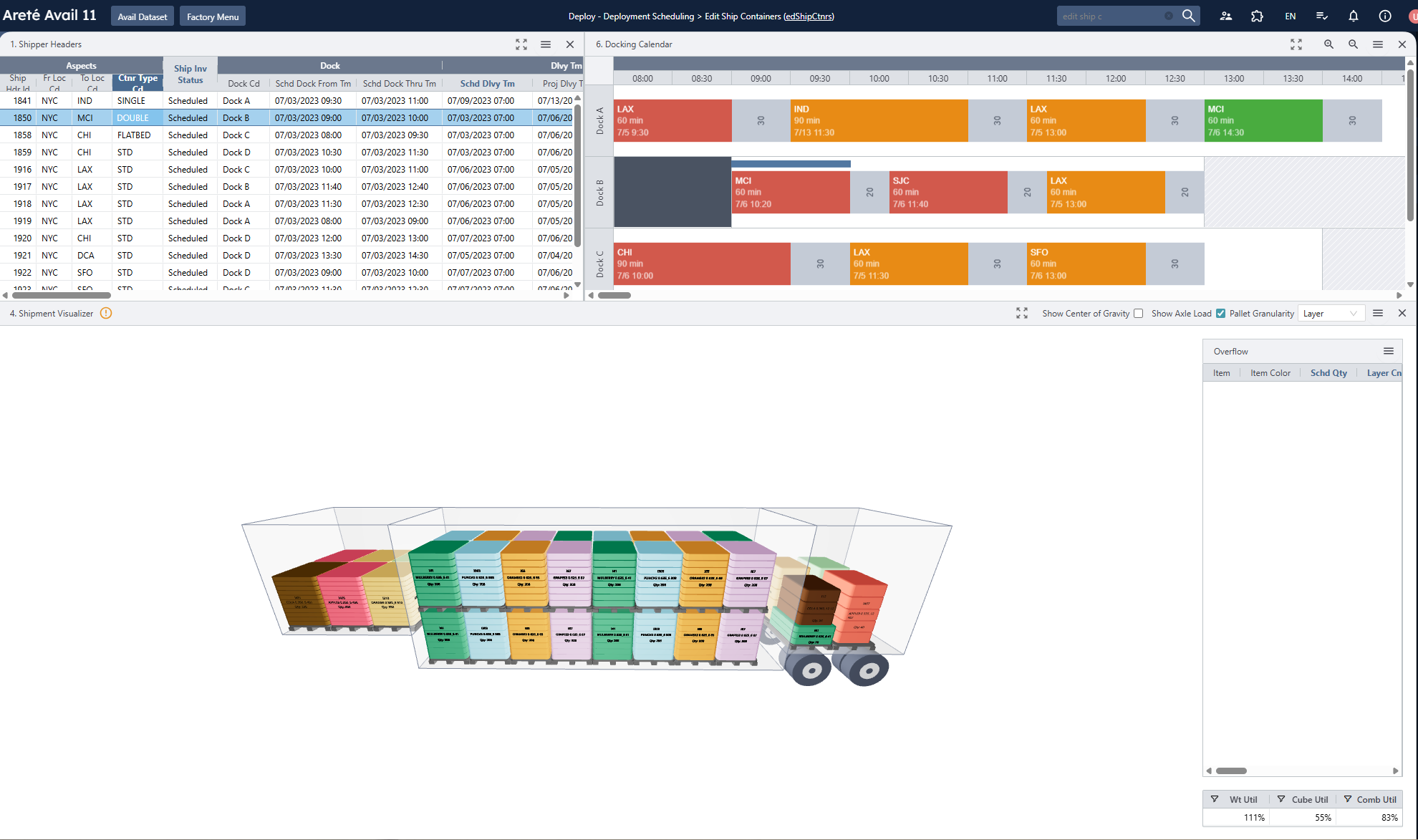
Sample Docking editor
Alternatively, Planners can view and edit the docking schedule in Edit Ship Containers editor where the 3D rendering of the truck is displayed.
Enhanced Load Planning featuring Center of Gravity Display
Avail11's Shipment Visualizer has been equipped with another useful tool called the Center of Gravity display. Planners can find the option to show the Center of Gravity on the Visualizer pane; when this option is activated all shipper items will be displayed with a faint opacity. Planners should then override the Pallet Granularity to Item option to minimize the number of objects drawn on the screen so that Center of Gravity is clearly visible. Planners also now have the option to display the Kingpin Axle Weight in 3D arrow (as shown below).
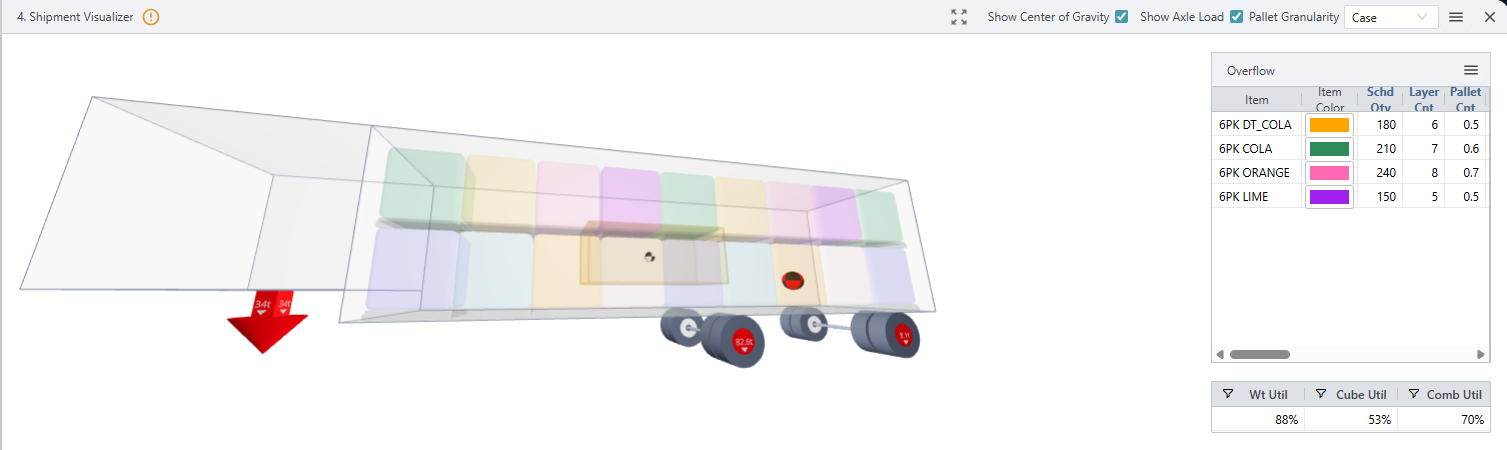
Center of Gravity sphere with the Kingpin Axle Weight
Active Directory Federation Services (ADFS) is one of several Microsoft authentication techniques now supported by Avail11 and Prevail11. An Areté implementer will work with your IT team to set up this type of SSO authentication, but please note that ADFS must utilize OIDC (OpenID Connect) protocol to connect. Once the authentication has been configured successfully, users will see an option to login via ADFS, similar to the Azure sign in option method that also exists (see below).
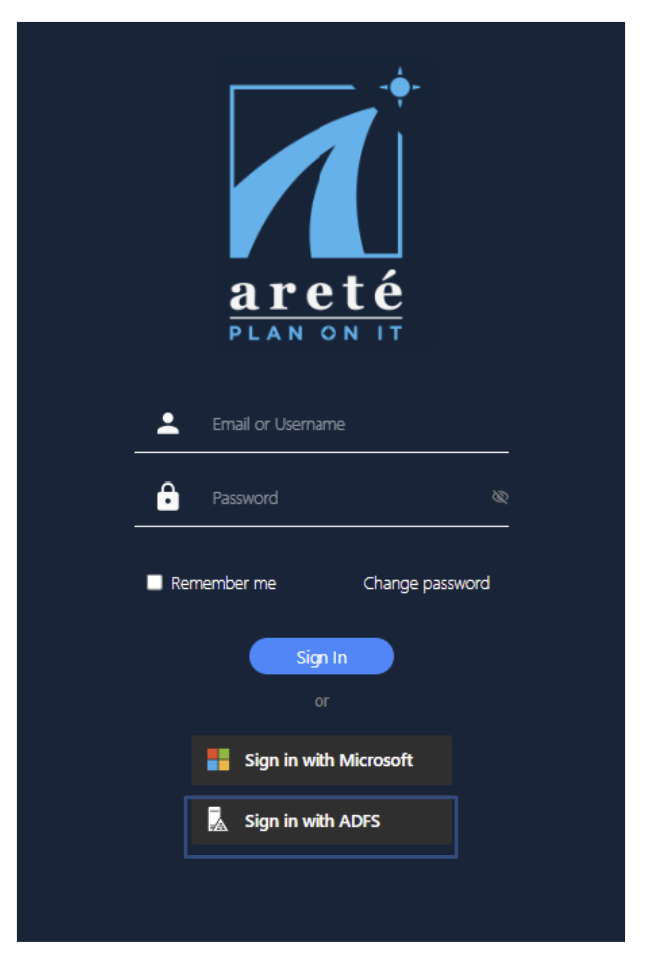
ADFS Login Option
Contact us to learn more about all updates and enhancements in the latest version.
New Blog Posts spotlight Beverage Manufacturing Planning
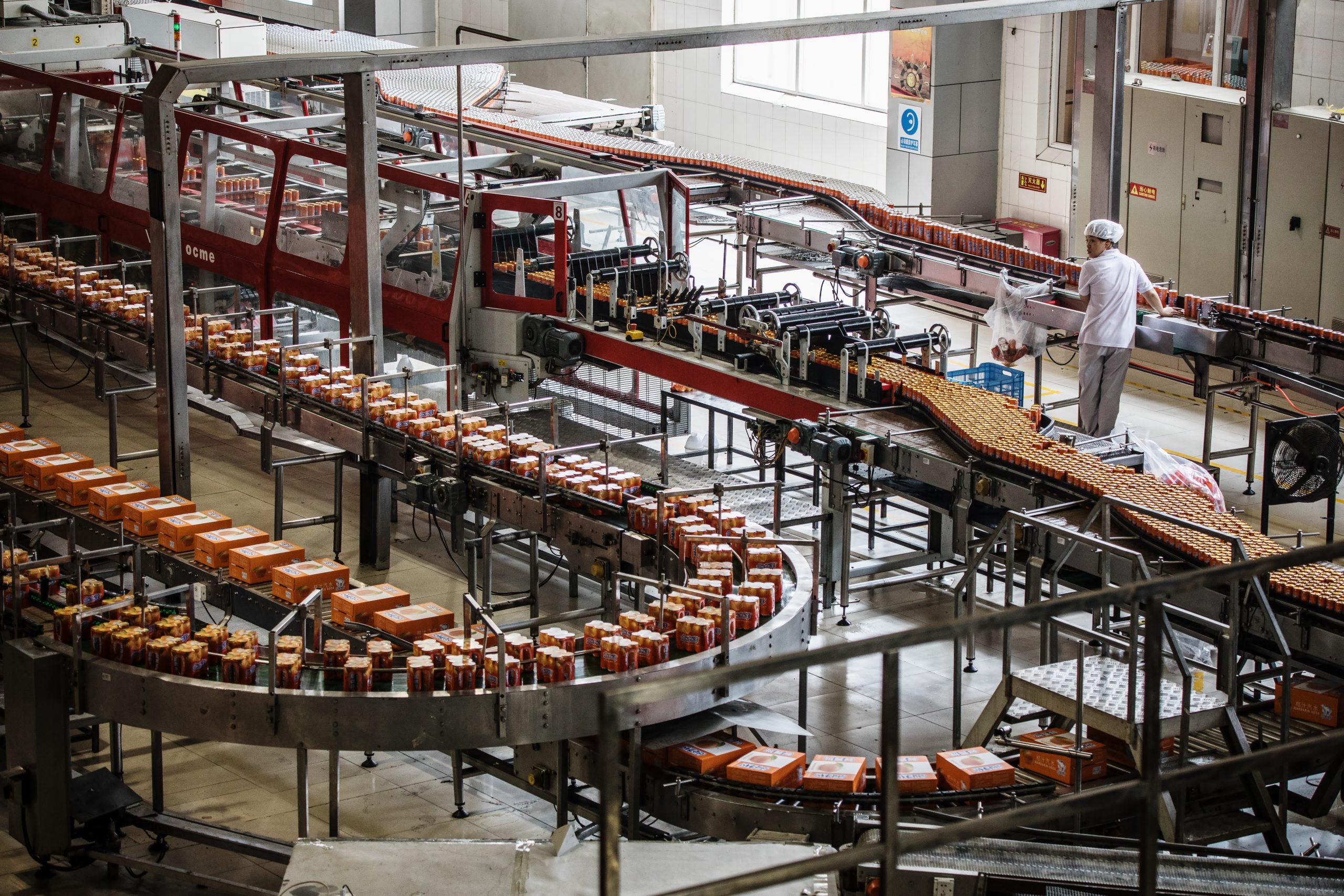
Optimizing Ingredient Usage in Carbonated Beverage Manufacturing: Key Metrics for Operational Excellence
In the debut of our Carbonated Beverage Manufacturing series, we review in detail key metrics for operational excellence in the carbonated beverage industry.
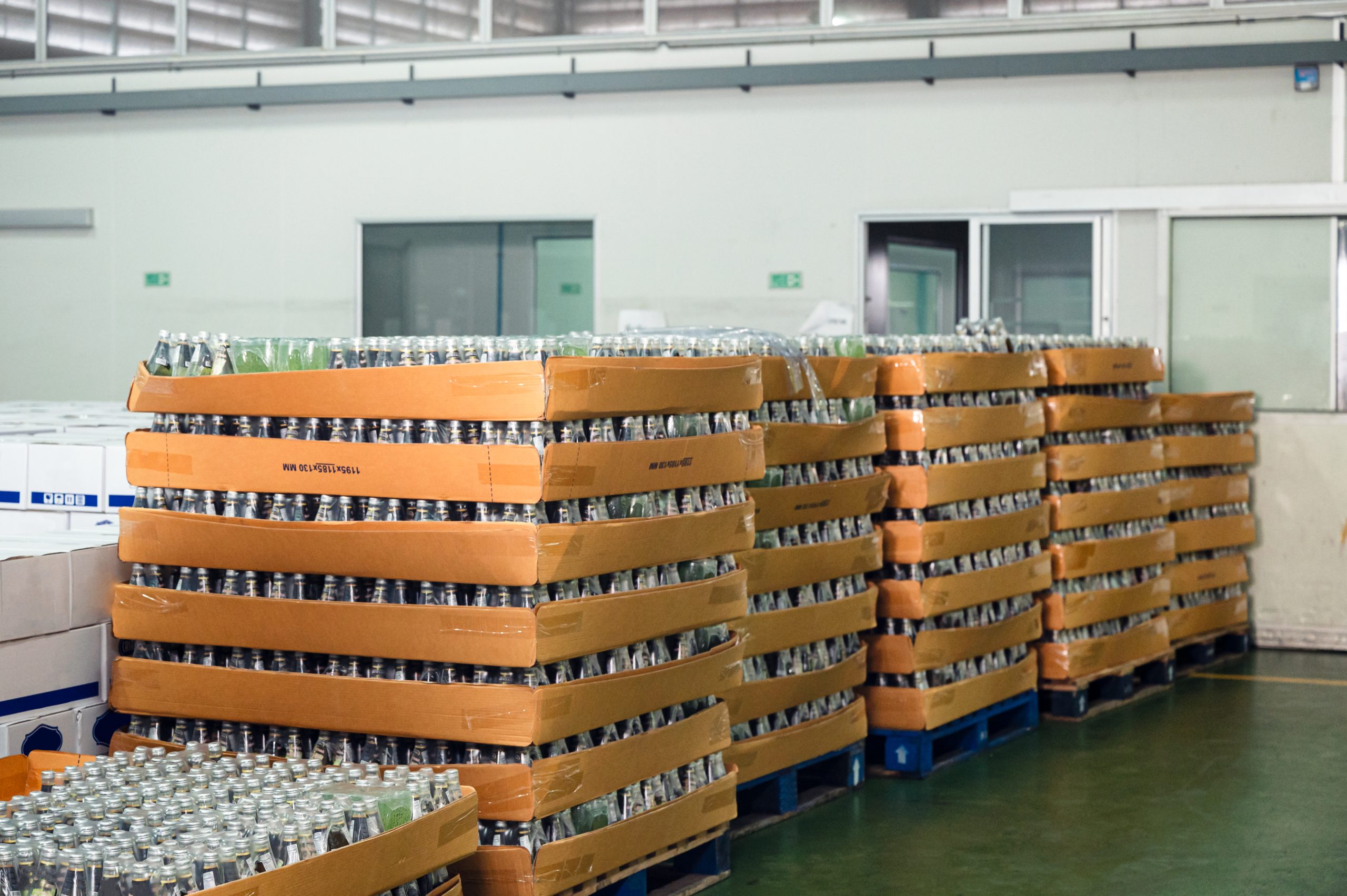
Optimizing Material Usage in Beverage Manufacturing: Essential Metrics for Packaging Excellence
Our second post in the Beverage Manufacturing series dives deep into important metrics for efficient material utilization and profitable packaging strategies.
Check out more Blog Posts for Supply Chain Excellence Strategies →
About the Author

Shruti Natal
Business Development and Supply Chain Optimization Analyst
Shruti is a part of the implementation team (Prevail and Avail). She collaborates with clients to ensure a smooth working experience with Areté Inc.